
12 January, 2026
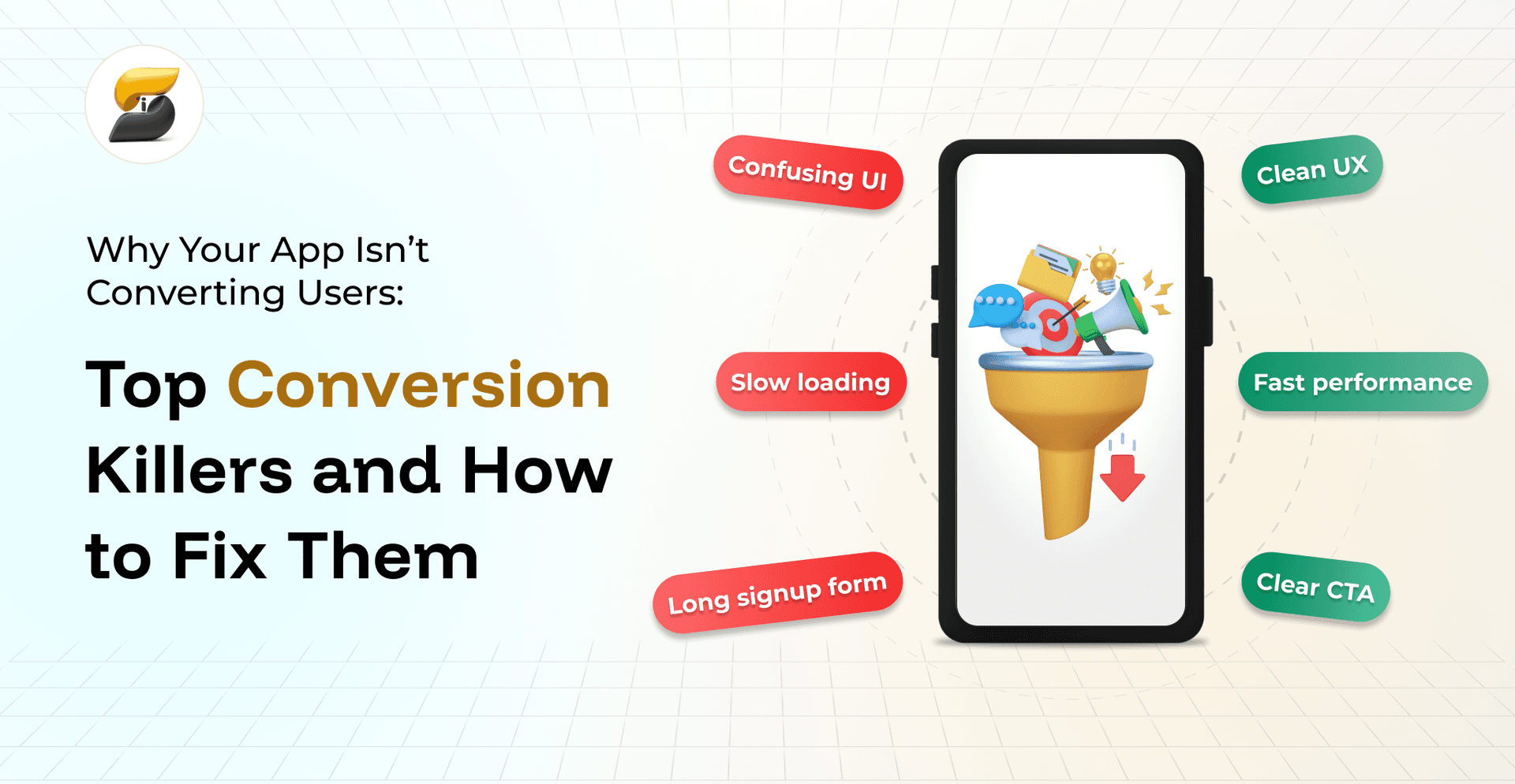
You've built an app with impressive features, invested heavily in marketing, and attracted downloads users aren't completing the actions that matter. Whether it's finishing signup, making purchases, or engaging with core features, understanding why your app isn't converting users is crucial for turning things around. Poor conversions don't just hurt revenue; they reveal deeper problems with user experience, value communication, or technical performance. This guide examines the most common conversion killers and provides practical solutions to transform your app into a conversion powerhouse.
App conversion measures the percentage of users who complete specific desired actions within your mobile application. These actions vary by app type but commonly include account creation, subscription upgrades, purchases, content sharing, or feature adoption. Conversion essentially tracks how effectively your app guides users from initial interest to meaningful engagement.
Understanding your app's conversion funnel reveals where users drop off and why. The typical mobile app funnel guides users through awareness, download, onboarding, activation, engagement, and retention stages. Each stage presents distinct challenges and optimization opportunities.
Most apps hemorrhage users between download and activation. Research shows that average apps lose 77% of users within three days of installation. This dramatic exodus usually happens because the app fails to demonstrate immediate value or creates unnecessary friction during those critical first interactions. App conversion problems typically snowball as users move through the funnelconfusing onboarding leads to poor feature discovery, which causes low engagement and eventual abandonment.
The solution starts with mapping your specific funnel, identifying bottlenecks through analytics, and methodically addressing each friction point. Mobile users have fundamentally different expectations than web usersthey demand faster experiences, clearer navigation, and immediate value delivery.
The reasons users drop off app experiences are varied but predictable. Understanding these common pitfalls helps diagnose your specific conversion challenges and prioritize high-impact fixes.
First impressions determine whether users will invest time in your app. Complex onboarding with multiple screens, excessive information requests, or unclear instructions triggers immediate abandonment. Users need to grasp your app's core value within seconds, not minutes. When onboarding feels tedious rather than exciting, conversion rates tank. The best experiences guide users to their first win quickly while collecting only essential information.
If users can't instantly understand what your app does and why it matters to them, they won't convert. Many apps hide their unique value behind feature lists or technical jargon instead of clearly stating user benefits. Your value proposition must answer "what's in it for me?" within seconds of opening the app. This clarity needs to permeate the entire experience, not just marketing copy.
Every extra tap, swipe, or form field between users and their goals increases abandonment risk. Low conversion rate app issues often stem from overcomplicating simple tasks. Common friction points include mandatory registration before showing value, lengthy forms, confusing navigation paths, and unclear next steps. Mobile users have minimal patience and endless alternatives, making frictionless experiences non-negotiable.
Poor navigation leaves users lost and frustrated, unable to find features or complete actions. App UX conversion issues appear as confusing menus, inconsistent design patterns, buried features, and unclear visual hierarchy. When users can't navigate intuitively, they won't stay long enough to convert. Effective UI/UX design principles prioritize clarity and consistency above novelty.
Technical issues destroy conversions faster than any design flaw. Slow loads, crashes, unresponsive buttons, and sync problems create instant negative impressions. Mobile users expect near-instant responseseven minor delays feel significant on mobile. Performance problems especially hurt conversions during critical moments like checkout or form submission.
Users need confidence before sharing personal information or making purchases. Missing privacy policies, absent security badges, no social proof, and unclear data practices all erode trust. Mobile apps face extra inspection since they often request device permissions and personal data. Building trust requires transparent communication, visible security measures, and social validation through reviews.
Weak calls-to-action fail to inspire action. Common CTA problems include vague button text, poor visual prominence, confusing messaging, and misaligned intent. Your CTAs should create urgency, communicate benefits, and stand out visually without overwhelming the interface. The difference between "Submit" and "Get Started Free" can dramatically impact conversions.
Generic experiences that ignore user preferences or behavior feel irrelevant. Modern users expect apps to adapt, remember choices, and provide tailored recommendations. Without personalization, your app feels like a one-size-fits-all solution in an era of customized experiences.
User experience problems with mobile app conversions extend beyond surface design. Deep UX issues create fundamental barriers to successful outcomes. Understanding how UX/UI design drives results helps identify these critical failures.
Information architecture problems force users to think instead of acting instinctively. When your app's structure doesn't match user mental models, every interaction becomes work. Inconsistent interaction patterns across sections confuse users and slow completion. Visual clutter overwhelms with too many options and unclear priorities. Limited mobile screen space makes visual hierarchy essential for guiding attention.
UI/UX conversion issues also arise from poor feedback mechanisms. Users need confirmation that their actions are registered, processes are progressing, and when errors occur. Without clear feedback, users feel uncertain and may abandon tasks, thinking something's broken.
Solving mobile app conversion optimization challenges requires systematic improvements focused on user needs over business metrics. Start with high-impact, low-effort changes that deliver immediate improvements while building toward comprehensive enhancement.
Streamline onboarding to essential actions only. Use progressive disclosure, revealing features gradually as engagement grows. Allow guest access or delayed registration so users experience value before committing. Implement smart defaults and auto-fill to minimize typing. Replace tutorials with contextual tips that appear when needed. Planning your app MVP helps identify truly essential onboarding elements.
Map primary user flows and eliminate unnecessary steps. Find the shortest path to value and remove obstacles. Implement adaptive navigation based on behavior patterns. Use analytics to compare actual paths versus intended flows, then redesign around real usage. Add shortcuts for frequent tasks. Keep critical features within two taps from anywhere.
Create clear priorities using size, color, contrast, and spacing. Important elements should draw immediate attention, while secondary options remain accessible but subtle. Implement consistent patterns so users learn once and apply everywhere. Use white space to reduce cognitive load. Test hierarchy by asking users to identify primary actions within seconds.
Transform weak CTAs through compelling copy and strategic design. Use action-oriented language communicating specific benefits. Make CTAs prominent through contrasting colors, appropriate sizing, and smart placement. Test variations to find resonant messaging. Position CTAs at natural decision points, not randomly scattered.
Build confidence through transparency and credibility indicators. Display security badges during sensitive transactions. Include testimonials, ratings, or case studies where relevant. Explain data usage clearly in plain language. Show activity or user counts to demonstrate popularity. Address concerns proactively through FAQs or help content.
Implement analytics to understand actual behavior versus assumptions. Track micro-conversions to identify specific dropout points. Use heatmaps and recordings to observe interface interactions. A/B test changes to measure impact before full rollout. Create behavioral segments and optimize for each group.
Common mobile app conversion mistakes often result from misguided priorities or incomplete user understanding. Teams frequently add features instead of improving existing experiences, believing more functionality equals value. This feature creep actually reduces conversions by complicating experiences and diluting core propositions.
Another error is optimizing the wrong metrics. Focusing on user retention vs user acquisition without considering activation creates a leaky funnel. Teams chase vanity metrics like downloads while ignoring engagement quality. Copying competitors without understanding context leads to misaligned solutions that don't address your users' needs.
Ignoring platform conventions frustrates users expecting consistent iOS or Android behavior. While a unique design can differentiate, violating fundamental patterns confuses users and increases cognitive load. Teams also underestimate performance optimization, treating it as purely technical rather than core UX.
Sometimes, how to fix a low app conversion rate reveals fundamental product-market fit problems. If multiple optimization attempts fail, the issue may be your core value proposition rather than execution. Validating your app idea before extensive optimization can save significant resources.
Warning signs include consistently low engagement across all segments, high uninstall rates immediately after onboarding, negative reviews citing missing essentials, and users choosing competitors despite superior UX. These patterns suggest your app may not solve real problems, target the wrong audiences, or face insurmountable competition.
When facing fundamental challenges, consider pivoting features based on feedback, refocusing on specific segments with acute needs, or rebuilding functionality around validated use cases. Hiring experienced mobile app developers can help determine whether technical limitations or product strategy cause problems.
Understanding why your app isn't converting users requires analyzing user behavior, UX design, and technical performance systematically. The best UX practices to improve app conversion focus on reducing friction, clarifying value, and building trust throughout the journey. By addressing conversion killers like poor onboarding, weak CTAs, and performance issues, you can dramatically improve engagement and business outcomes. Remember that app funnel optimization never stops; continuous testing and refinement based on user feedback ensure sustained improvements. Whether working with professional UI/UX designers or optimizing internally, prioritize user needs over features to create experiences that naturally drive conversions.
Conversion rates vary by category and goals. E-commerce apps typically see 1-3% purchase conversion, while freemium apps target 2-5% for premium upgrades. Focus on improving your baseline rather than chasing industry averages.
Simple fixes like CTA changes show results within days, while UX overhauls may take weeks. Most optimization efforts show measurable results within 30-60 days of implementation.
Analyze your user base and conversion data by platform first. Platform-specific issues often require different solutions, so avoid assuming one fix works universally.
High downloads with low activation suggest UX issues, while low downloads indicate marketing challenges. Use cohort analysis to identify where users drop off and whether you're attracting the wrong users or failing to engage the right ones.
Analytics platforms like Mixpanel or Amplitude track user flows, while tools like Hotjar provide session recordings. A/B testing platforms enable systematic experiments to validate improvements.
Nikhil Shah is the CTO and Co-Founder of iSyncEvolution, an engineering leader who aligns modern technology best practices with long-term commercial success. A veteran of cloud infrastructure and scalable web/mobile solutions, he specializes in building high-performance software environments. Nikhil helps global brands master their technical roadmaps, optimizing both code performance and development economics to fuel growth.
© 2026 iSyncEvolution Pvt Ltd. All Rights Reserved.