
31 August, 2026
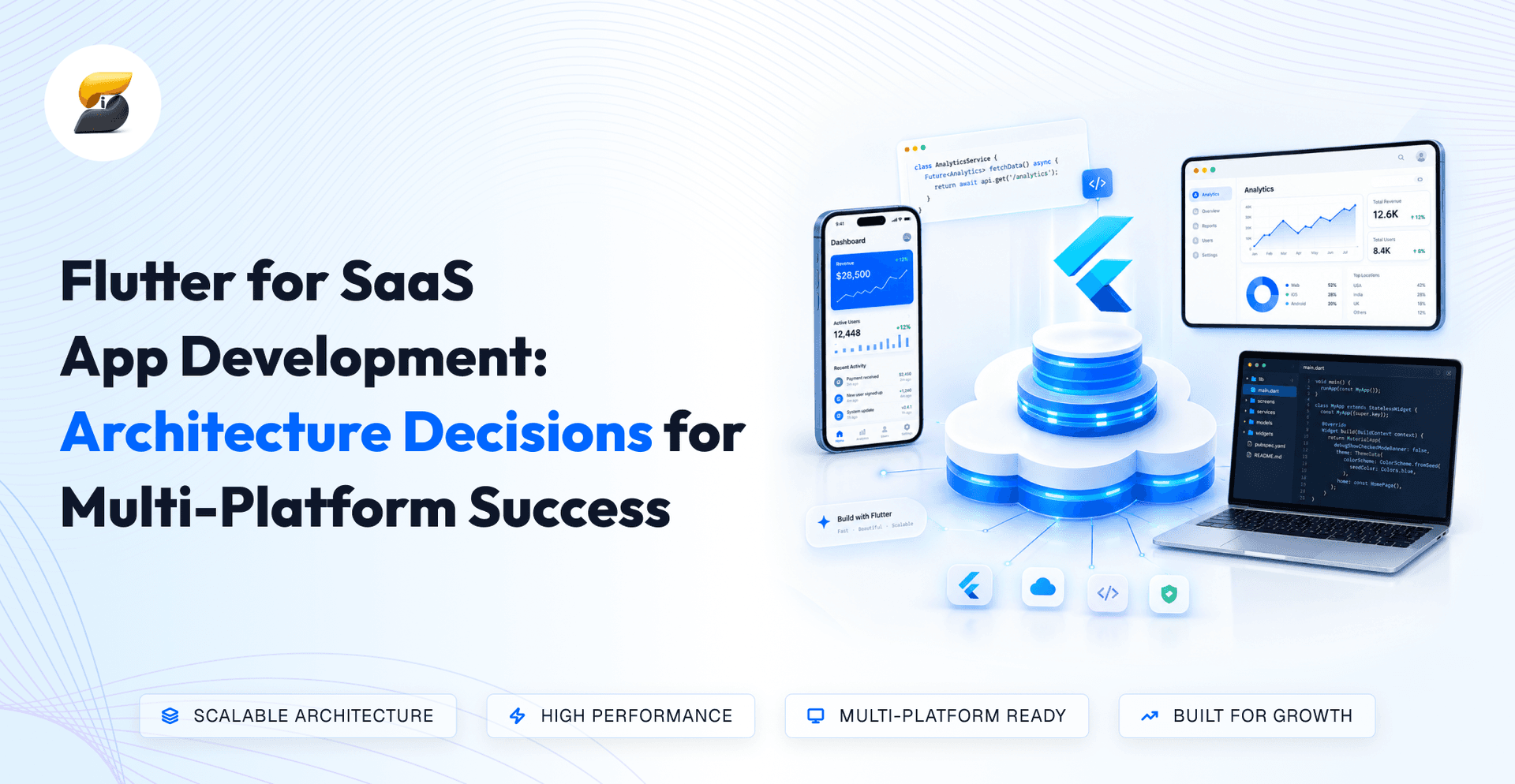
Most Flutter SaaS products don't fail because Flutter was the wrong framework. They fail because tenancy, billing, sync, and state were decided feature-by-feature instead of before sprint one, and rewriting those foundations at 500 tenants costs more than the original build.
You've already picked the framework. The harder question is what gets built underneath it: the tenancy, billing, and state decisions you freeze in the next two weeks will still constrain the roadmap three years from now. Flutter for SaaS app development gives you one codebase across iOS, Android, web, and desktop, but a single codebase with the wrong tenancy model, no entitlement layer, and business logic buried in widgets is just a faster route to technical debt. Those architecture choices decide whether the multi-platform bet compounds or collapses.
Flutter is a strong SaaS choice when product logic is shared across platforms and a weak one when each platform needs a fundamentally different experience. The framework question is settled quickly; the architecture question is where budgets are won or lost.
Flutter's advantage is that one team ships one feature to four platforms in one sprint cycle, instead of three teams negotiating parity.
For SaaS, that matters most where feature velocity is the competitive moat: dashboards, workflows, forms, and data views behave identically everywhere. If you are already on another stack, treat rewrite cost as a separate line item from these architecture bets; a React Native to Flutter migration assessment belongs in that model, not in sprint one of the new product.
Flutter solves your presentation layer and nothing else.
Tenant isolation, entitlement enforcement, sync conflict rules, and billing reconciliation all live on the backend. A team that treats Flutter as an architecture rather than a UI framework will discover this at the worst possible moment during an enterprise security review.
Choose Flutter when multi-platform delivery is a requirement, not an aspiration.
Code sharing is a build artifact. Architecture sharing is a design decision. Teams that confuse the two end up with one repository containing four divergent products, the distinction iSyncEvolution draws before any platform-specific UI is scheduled.
One codebase only reduces cost if the domain and data layers stay platform-blind from day one; wait until month nine and every new platform becomes a rewrite, not an extension.
Responsive UI resizes; adaptive UI changes behavior. SaaS products need both, and budgeting for only the first is how mobile and desktop quietly fork.
A pricing table can reflow responsively. A multi-select data grid with keyboard shortcuts cannot simply shrink onto a phone; it needs a different interaction model built from the same underlying logic.
Extend to desktop only when you have validated demand from users who work in the product for hours, not minutes.
Desktop is cheap to add technically and expensive to support commercially: installers, updates, and OS-specific QA. Add it when enterprise procurement asks for it, not because the build target exists.
Multi-tenancy is a backend decision with direct consequences for your Flutter client. The model you choose determines onboarding speed, enterprise deal eligibility, and how much rework you face at 500 tenants. The best multi-tenant architecture for most Flutter SaaS products is a shared database with row-level tenant isolation, moving to separate schemas only when enterprise contracts demand it.
Not sure which tenancy model your roadmap actually requires? Our Flutter SaaS development team can pressure-test the decision before you commit engineering time.
A shared database with a tenant identifier on every record is the default for early-stage SaaS because it keeps infrastructure costs flat as tenant count grows.
Separate schemas suit mid-market products where tenants request data residency or custom fields a common requirement from EU buyers navigating GDPR. Database-per-tenant only makes commercial sense when enterprise buyers pay for physical isolation, because operational overhead scales linearly with every customer you add.
Choose the cheapest model that satisfies your next 18 months of contracts, not the most defensive one.
Tenant isolation must be enforced on the server, never in Flutter. The client is a rendering layer that can be inspected, modified, or replayed.
Every API call should derive tenant context from the authenticated token, not from a parameter the app sends. This single rule prevents the most common and most expensive SaaS security incident: cross-tenant data exposure discovered during an enterprise security review.
A Flutter white-label app works best when branding is delivered as tenant configuration, not as separate builds.
Store logos, colour tokens, typography, and feature flags server-side and apply them at runtime. One binary then serves every customer. Separate app store listings per client should be a deliberate, priced decision; each one adds release management, review cycles, and support cost.
Flutter should hide unauthorised actions; the backend must block them.
Use roles and permissions from the token to control navigation and widget visibility so users see a clean interface. Then validate every write server-side. Treating UI-level RBAC as security is the fastest route to a failed penetration test and a stalled enterprise contract.
Offline support is one of the most expensive features to retrofit and one of the most commonly over-specified. Decide based on observed user conditions, not hypothetical ones.
Offline support is justified only when users regularly work where connectivity fails, and the task cannot wait.
Field service, logistics, healthcare visits, inspections, and warehouse operations qualify. Dashboards, admin consoles, and collaboration tools usually do not. If your users are office-based, offline capability adds months of sync complexity for a feature that rarely activates.
The hard part of offline is not storage; it is deciding who wins when two people edit the same record.
Pick a conflict policy per data type: last-write-wins for low-stakes fields, server authority for financial data, and manual resolution for shared documents. Documenting this before development prevents silent data loss that erodes customer trust long after launch.
Most SaaS products need optimistic UI, not full offline-first architecture.
Optimistic UI makes the app feel instant by showing changes before the server confirms them, while still requiring connectivity. Offline-first keeps data fully usable without a network. Choose optimistic UI unless disconnected work is a core workflow your buyers pay for.
Sync should follow how people work, not how your database is structured.
Identify the entities a user needs during a disconnected session: today's jobs, assigned accounts, active projects, and sync only those. Selective, workflow-scoped sync keeps mobile performance predictable and avoids downloading entire tenant datasets to a phone.
Billing is where multi-platform SaaS products most often lose margin. Flutter SaaS applications should centralise entitlements on their own backend and treat each platform's billing system as a payment source, not the source of truth.
A user who subscribes on the web must have full access on mobile, and the reverse.
That only works when your backend owns the subscription record. Store plan, status, and renewal date server-side, then let Flutter query entitlements once and cache them. Platform-specific logic within the app is a maintenance liability you will bear with every price change.
If your app unlocks digital features on iOS or Android, store billing and commission generally apply.
Plan for this in your pricing model rather than discovering it during review. Many B2B SaaS products avoid the issue by selling seats through sales-led web checkout and keeping mobile as an access channel for existing accounts.
Use a managed billing layer such as RevenueCat unless subscription logic is a core differentiator.
It handles receipt validation, renewals, and cross-store edge cases that consume weeks of engineering time. Build custom infrastructure only when you need complex usage-based pricing, enterprise invoicing, or contract terms that consumer-oriented tools cannot express.
One entitlement service should answer a single question: what can this user do right now?
Flutter then renders features based on that answer. This keeps trials, upgrades, downgrades, and enterprise overrides consistent across every platform, and lets you change packaging without shipping a new app build.
State management decisions may seem tactical, but they determine how many engineers can work on your codebase concurrently.
Business rules belong in services and repositories, not inside widgets.
Separation lets you test pricing, permissions, and sync logic without launching the UI, and lets web and desktop reuse the same rules. Logic embedded in screens is the most common reason Flutter SaaS codebases slow down after the first year.
Riverpod and BLoC both scale; consistency matters more than the choice.
Pick one, document it, and enforce it in code review. Mixed approaches across modules create onboarding friction and unpredictable behaviour, which is why experienced Flutter teams standardise this in week one.
Platform differences should be isolated at the edges: storage, notifications, file access never in core logic.
When conditional platform code spreads into features, you effectively maintain multiple products in one repository and lose the economics that justified choosing Flutter.
Extract shared domain logic into internal packages once you have more than one app or surface.
Authentication, tenancy, entitlements, and API clients become reusable modules. This is how companies ship a customer app, an admin console, and a desktop client without tripling engineering cost.
Flutter Web is strong for authenticated applications and weak for content discovery. Treating both as one problem hurts either growth or product quality.
Keep your marketing site outside Flutter.
Use a conventional web stack for pages that must rank and load instantly, and Flutter Web for the logged-in product. This split protects organic acquisition while keeping application code shared with mobile.
Flutter Web renders through canvas-based output, which limits crawlability and indexing quality.
If a page needs to be found in search, it should not be built in Flutter. Documentation, pricing, and blog content belong in HTML-first frameworks.
Enterprise buyers increasingly require accessibility compliance before procurement, a hard gate in UK and EU public-sector and regulated deals.
Plan for keyboard navigation, focus states, screen reader labels, and browser conventions such as right-click and text selection. These are product requirements in B2B SaaS, not polish.
Avoid Flutter Web when your product is content-heavy, SEO-driven, or expected to behave like a traditional website.
Analytics-dense dashboards with large tables and heavy exports may also perform better in a native web stack.
The first quarter should prove the architecture, not the feature list. Teams that invert this order rebuild in month nine.
Write down five decisions before any feature work begins:
A five-page decision record prevents months of ambiguity and gives new engineers context immediately.
Ship authentication, tenant resolution, entitlement checks, navigation, and CI/CD across every target platform.
One thin end-to-end slice on iOS, Android, and web reveals integration problems while they are still cheap to fix.
Validation is what separates a demo from a platform enterprise buyers will approve.
Test cross-tenant access attempts, cross-platform subscription recognition, and performance with realistic data volumes before you scale the team.
Four red flags predict a rewrite by month twelve if they appear in month two:
Use this as a quick reference for CTOs and engineering teams when evaluating the major architecture choices before development.
| Architecture Decision | Choose This When | Avoid This When |
|---|---|---|
| Shared Database with Tenant Isolation | You have many similar tenants and need predictable infrastructure costs | Enterprise contracts require physical database isolation |
| Offline-First | Users regularly work without reliable connectivity | Users are primarily online and work from dashboards or admin tools |
| Optimistic UI | Fast perceived response is important, but users still require connectivity | Users must continue working fully offline |
| Desktop Extension | Enterprise users have validated desktop workflows | There is no proven desktop demand |
| Centralized Billing & Entitlements | Your SaaS sells subscriptions across mobile and web | Your product has only one platform and payment source |
Flutter is a strong SaaS choice when its multi-platform capabilities match your product requirements. The key is deciding where shared architecture creates real efficiency and where platform-specific solutions make more sense.
Flutter makes sense when iOS, Android, web, and potentially desktop are part of the product roadmap. A shared codebase can reduce duplicated development while keeping the core SaaS experience consistent across platforms.
The biggest advantage comes when your business logic, data models, permissions, and core workflows can be shared. Platform-specific differences should mainly sit in the presentation layer rather than creating separate versions of the product.
Flutter may not be the right choice when every platform requires a fundamentally different user experience or when the product depends heavily on SEO-driven content and traditional web experiences. In those cases, forcing everything into Flutter can reduce the efficiency you're trying to gain.
Before committing to every platform, validate the architecture with a thin end-to-end implementation. Test your tenancy model, offline strategy, billing, state management, and platform requirements early, while architectural changes are still relatively inexpensive.
Choosing Flutter for SaaS app development is the easy decision. The architecture you commit to before development tenancy, offline strategy, billing ownership, state management, and platform scope is what determines whether you scale cleanly or rebuild in year two. The teams that succeed treat these as business decisions with cost and risk attached, not implementation details to settle later. Document them early, validate them within 90 days, and watch for the red flags that signal expensive rework. Get these right, and Flutter delivers the multi-platform economics you chose it for.
If you want a second opinion on your architecture before you write the first line of code, talk to our Flutter engineering team.
A shared database with row-level tenant isolation is the best default for most Flutter SaaS products. It keeps infrastructure costs flat as tenants grow. Move to separate schemas only when enterprise contracts demand data residency or physical isolation.
Only if users regularly work where connectivity fails and the task cannot wait. Field service, logistics, and inspections qualify; dashboards and admin tools do not. Most products need optimistic UI, not full offline-first, which adds months of sync complexity.
Your own backend should own the subscription record and treat each platform's billing as a payment source. Store plan, status, and renewal date server-side so a user who subscribes anywhere gets access everywhere.
No. Use Flutter Web for the authenticated product and a conventional HTML-first stack for marketing, pricing, and documentation. Flutter Web's canvas rendering limits SEO, so content that must rank belongs outside it.
Yes, when enterprise users have validated desktop workflows. Flutter desktop reuses your existing codebase, but build it only when demand is confirmed, not on speculation. Unvalidated desktop scope adds cost without return.
Nikhil Shah is the CTO and Co-Founder of iSyncEvolution, an engineering leader who aligns modern technology best practices with long-term commercial success. A veteran of cloud infrastructure and scalable web/mobile solutions, he specializes in building high-performance software environments. Nikhil helps global brands master their technical roadmaps, optimizing both code performance and development economics to fuel growth.
© 2026 iSyncEvolution Pvt Ltd. All Rights Reserved.